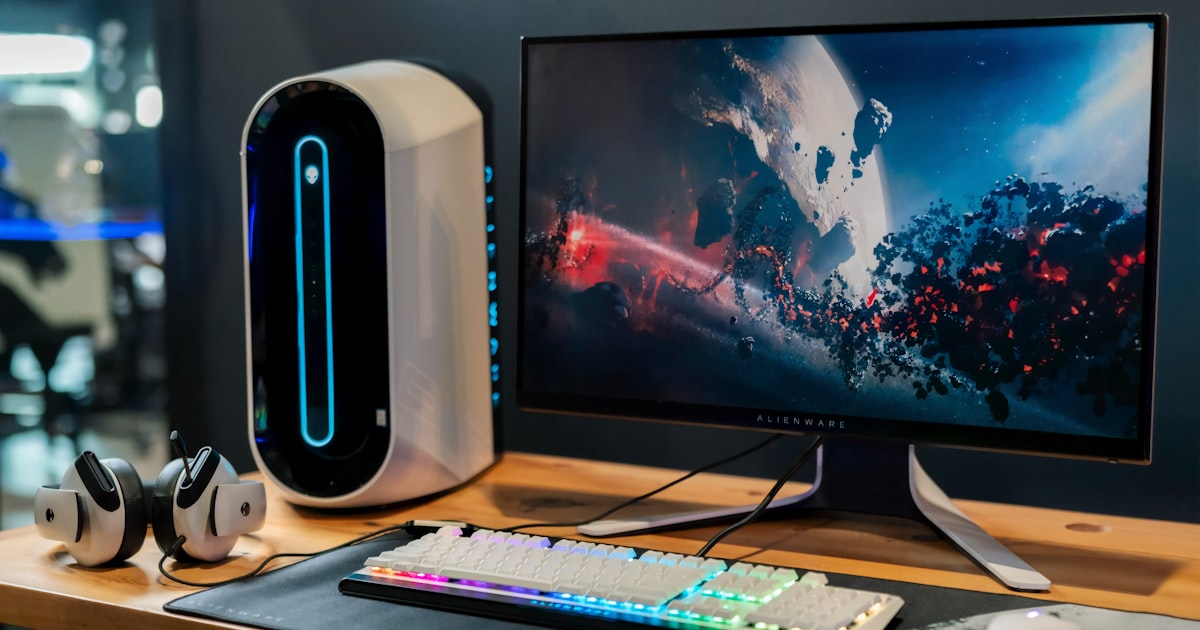
Ultimate NBA 2K26 Gaming Setup Guide: From Budget to Pro
Affiliate Disclosure: Links on this page use our Amazon affiliate tag (nba2build-20). We earn a small commission if you buy – at no extra cost to you. Read our full disclosure.
Build Your Ultimate NBA 2K26 Setup
Your gaming setup can make or break your NBA 2K26 experience. Whether you have $200 or $2000, this guide helps you spend it right.
Budget Setup (~$200-300)
- Controller: PowerA Enhanced Wired (~$30)
- Monitor: Your existing TV
- Headset: HyperX Cloud II (~$49)
- Chair: Any ergonomic office chair you already own
Focus your budget on the headset – audio feedback in 2K26 is crucial for timing and awareness.
Mid-Range Setup (~$500-800)
- Controller: Sony DualSense Wireless (~$69)
- Monitor: LG 27GP850-B 27 inch 165Hz (~$250)
- Headset: Sony PULSE 3D (~$99)
- Chair: Respawn 110 Gaming Chair (~$150)
The 165Hz monitor is a game changer. Animations in 2K26 look butter smooth and input response improves noticeably.
Pro Setup (~$1500+)
- Controller: DualSense Edge (~$199)
- Monitor: LG 27GN950-B 4K 144Hz OLED (~$700)
- Headset: SteelSeries Arctis Nova Pro Wireless (~$349)
- Chair: Secretlab TITAN Evo 2022 (~$429)
At this level, every piece of gear is optimized. The DualSense Edge trigger customization alone can improve your shooting consistency by removing variables from the equation.
Essential Accessories to Not Skip
- Controller charging dock: Always have a charged controller ready
- Cable management: A clean setup = a clean mindset
- Controller grip: Sweaty hands lose games. Grip adds control
- Ethernet adapter: Wired internet eliminates lag spikes in online play
Monitor Tips for NBA 2K26
Response time matters more than resolution for 2K. A 1080p 144Hz monitor beats a 4K 60Hz monitor every time for competitive play. Look for 1ms GTG response time and at least 120Hz refresh rate.
Final Thoughts
Start with what you can afford and upgrade one piece at a time. The order of priority: Controller > Headset > Monitor > Chair. A better controller instantly improves your game. A better chair just makes long sessions more comfortable.
JOIN OUR COMMUNITY