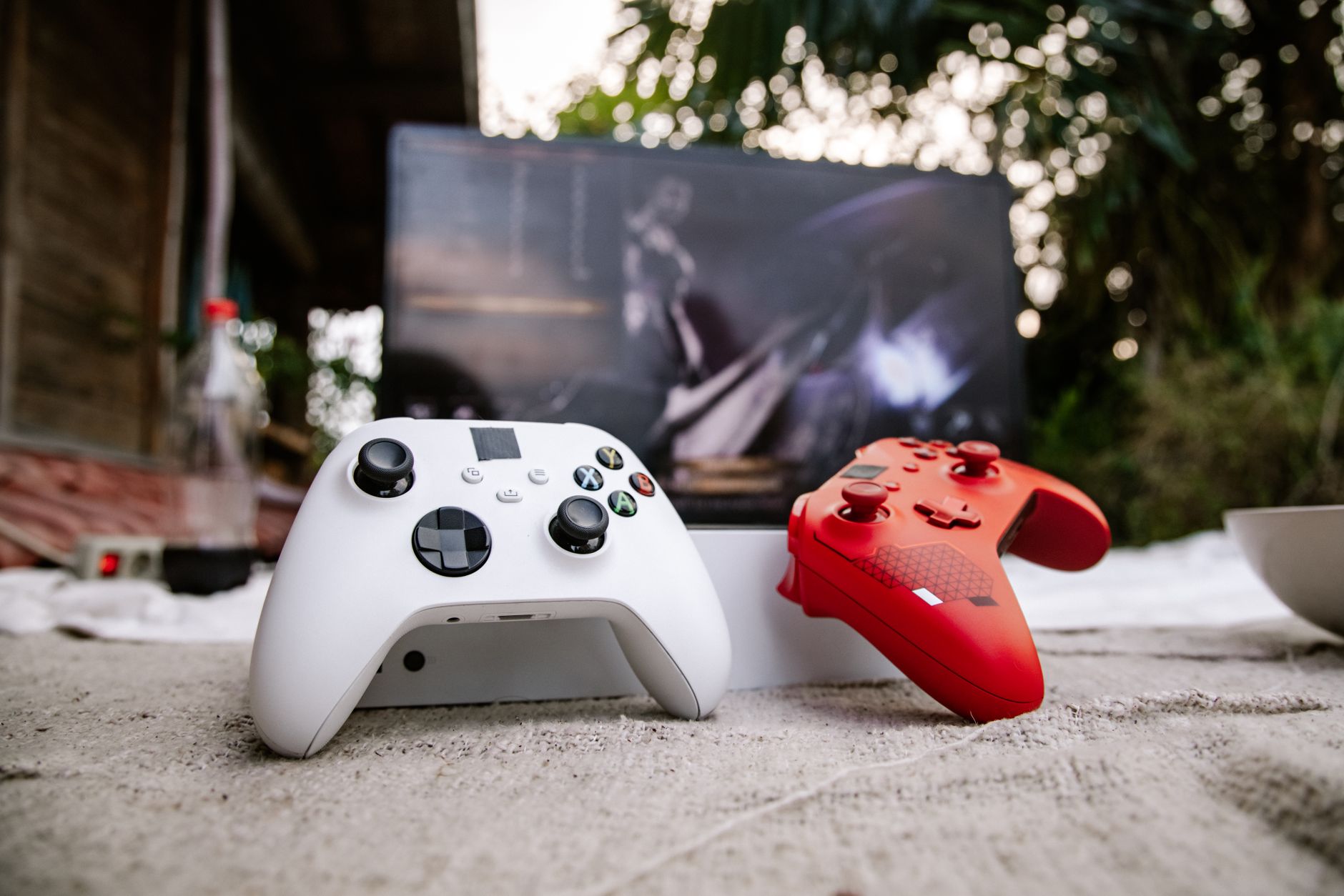
Best Xbox Series X Accessories for NBA 2K – Controllers & More
When it comes to dominating the court in NBA 2K, having the right Xbox accessories NBA 2K can make all the difference.
Whether you are looking to improve your shot timing with a responsive controller, gain an edge with crystal‑clear audio, or expand your storage for endless MyCareer seasons, the Xbox ecosystem offers a variety of gear tailored to basketball gamers. This guide breaks down the top options, highlights their strengths and weaknesses, and helps you choose the perfect setup for your playstyle and budget.
Quick Comparison Table
| Product | Price Range | Best For | Buy Link |
|---|---|---|---|
| Xbox Elite Wireless Controller Series 2 | $$$ | Competitive players who want premium customization | Buy on Amazon |
| Razer Wolverine V2 Chroma | $$ | Gamers seeking tactile buttons and RGB flair | Buy on Amazon |
| PowerA Fusion Pro Wired Controller | $ | Budget‑conscious players who still want pro features | Buy on Amazon |
| Turtle Beach Recon 200 Xbox Gaming Headset | $ | Clear communication and immersive sound on a budget | Buy on Amazon |
| Seagate Game Drive SSD for Xbox | $$ | Fast loading times and extra storage for large 2K libraries | Buy on Amazon |
Xbox Elite Wireless Controller Series 2
The Xbox Elite Wireless Controller Series 2 is often regarded as the pinnacle of console controllers, and it translates exceptionally well to NBA 2K gameplay. Its adjustable tension thumbsticks allow you to fine‑tune the feel for shooting, dribbling, and defensive movements, giving you a level of precision that stock controllers simply cannot match. The controller also features interchangeable paddles on the back, which can be mapped to frequent actions like sprint, steal, or call for a screen, reducing the need to shift your thumbs during fast breaks.
Battery life is another strong point, with up to 40 hours of play on a single charge, and the built‑in Bluetooth makes it easy to switch between your Xbox Series X and a Windows PC for MyTeam or 2K mobile companion apps. The premium build quality, including a rubberized grip and stainless‑steel components, ensures the controller survives countless hours of intense gameplay.
Pros
- Adjustable thumbstick tension and interchangeable components
- Four programmable rear paddles for custom shortcuts
- Excellent battery life and Bluetooth connectivity
- Premium, durable construction
Cons
- High price point may deter casual gamers
- Software customization requires the Xbox Accessories app
- Slightly heavier than standard controllers
Razer Wolverine V2 Chroma
If you crave a controller that combines responsive performance with eye‑catching aesthetics, the Razer Wolverine V2 Chroma is a strong contender. Designed specifically for Xbox, it features Razer’s Mecha‑Tactile action buttons that deliver a satisfying click with every press, perfect for executing signature moves and quick passes in NBA 2K. The controller also includes two multi‑function bumpers and four trigger stops, allowing you to shorten the pull distance for faster shooting or defensive contests.
Chroma RGB lighting adds a personalized flair, syncing with your in‑game actions or your overall setup. The ergonomic shape fits comfortably in most hand sizes, and the detachable USB‑C cable ensures a reliable wired connection with zero input lag — critical for those clutch free‑throw moments. While it lacks the wireless freedom of the Elite Series 2, its wired nature guarantees consistent performance during marathon gaming sessions.
Pros
- Mecha‑Tactile buttons for precise actuation
- Customizable RGB lighting via Razer Chroma
- Trigger stops and multi‑function bumpers for tailored control
- Wired connection eliminates latency concerns
Cons
- Wired only; no wireless option
- RGB lighting may be distracting for some players
- Requires Razer Synapse for advanced configuration
PowerA Fusion Pro Wired Controller
For gamers who want pro‑level features without breaking the bank, the PowerA Fusion Pro Wired Controller delivers impressive value. It boasts interchangeable thumbsticks and D‑pads, allowing you to switch between concave and convex styles depending on whether you prefer finesse dribbling or aggressive post play. The controller also includes two programmable gaming buttons on the underside, which can be assigned to frequently used commands like calling for a pick‑and‑roll or initiating a quick timeout.
Audio controls are built directly into the controller, letting you adjust game volume or chat mix